What has your website done for you lately?
How do designers use their own websites to promote themselves online? What are some good ways to set up an online presence that gets you found, puts y

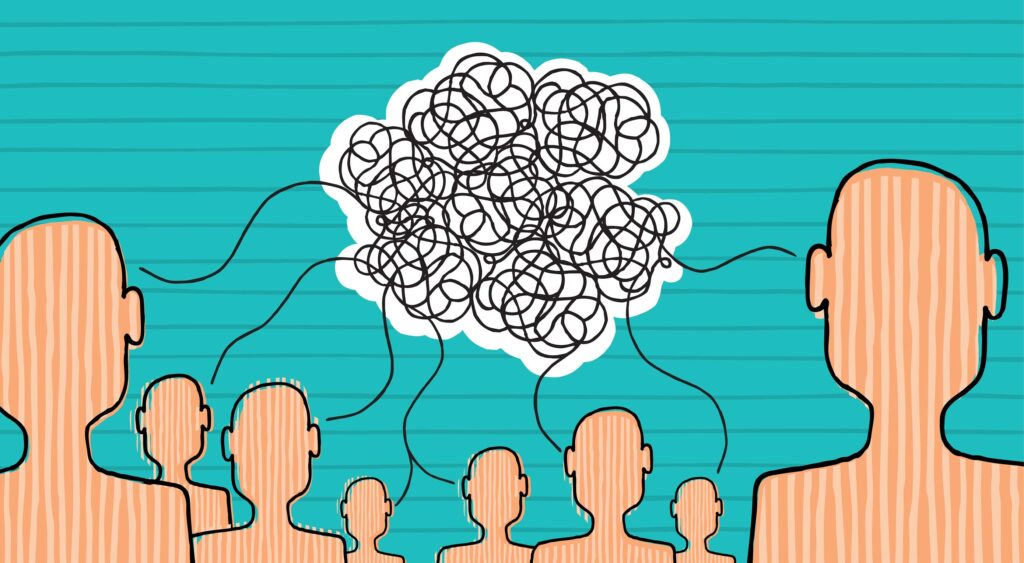
Your team is all spread out— your designers are working from Lisbon, your content team is in New York, and your project manager is in Argentina. How do you create a system that makes it simple to organize and plan large web projects? There is a trick to getting designers and copywriters to work together smoothly, and it’s called communication. But even simple communication will fail if you don’t have the correct processes in place.
Before you begin collaborating, you’ll want to make sure you have an actual system set up.
“I want to move forward, but I’m not sure what’s approved.” How often have you said that to your team? Some teams have a lot of fire in them. They like to dive right into the problem to find the solution, but that could cause a lot of problems later on. Most design problems aren’t actually design problems, they’re management problems.
[pullquote]Most design problems aren’t actually design problems, they’re management problems[/pullquote]
What happens if you have the best designers in the world, but you fail to explain the client’s problem properly? What if the designs they send keep getting rejected? And what happens when the designers and writers understand the project differently? The key is to develop a solution that actually works for everyone so project managers can properly understand and explain the issue, and designers and writers can develop solutions that work for those problems.
According to Sara, a Project Manager at Entermotion: The key to smooth design/writer collaboration is in the communication process; It’s important to be able to properly speak the same “language” so that all sides of it (design, writers, project managers) know exactly what’s needed and what’s being said; I think a lot of the mistakes in the process come down to a misunderstanding of the smaller details; Those smaller details can derail a big portion of the project even if they seem minuscule at first; Having everyone on the same page from the beginning and not starting out with “I think they want it like this…” (which leaves people assuming) or with too many open holes in the details can be detrimental to the whole process.
This is the most important step to take when planning a website. You need a careful project manager to help ensure the success of a project by exploring what the creatives can handle, how project success will be measured, making sure the creatives can dream big while sticking with a nightmare-size budget, and a detailed plan for how the designers and creatives can make it happen. Each project manager will have her own tools, but there are a few trusted apps that we know can get you on track:
Once project managers have the right tools, they have to figure out the best way to implement changes.
Project managers should help determine all of the key project elements (and those tiny details that could derail a project):
Once the scope has been determined, project managers should figure out what they are not handling:
To do all that properly, project managers should have a checklist of information ready:
To make sure everyone is on the same page, project managers should share back a project chart (or detailed list of steps) so the client can confirm that the information is correct.
Once that’s settled, project managers can take it to the team!
Collaborating for better design is about making sure the design and content team has a unified vision of what’s happening. Agencies and small teams handle this differently, but each leads to the same goal: getting the designers and writers on the same page to create something beautiful and avoid any pitfalls.
Here’s how to lead a great kickoff chat:
When you leave a kickoff chat, the entire team should feel empowered and ready to tackle the project clearly toward that singular vision you developed. Some companies have unique ways of handling the kickoff:
Amazon, for example, has a team member present a press release for the unfinished product. Like all press releases, it includes information about the problem, solution, and how to get started. Then, when the team goes back to designing and writing, they make sure that the product their building matches what was described in the press release.
But not every team can work like Amazon, so what happens if you’re working with a remote team? Jeff Gothelf has some ideas to keep your team’s process strong. He suggests that timing is a great way to keep remote teams excited. If everyone kicks off a project together at the beginning of it, teams will be able to understand and respond to each other’s learning and working styles.
A good project kickoff should be one where all team members uncover ideas together:
In a remote team, it’s super important that all key members of each project work together at the beginning to determine goals and eliminate potential hang ups.
Set up a way to wireframe, prototype, and develop content as the design elements shift if you don’t have one already. As you move on from the kickoff chat, it’s important to have flexible tools that shift with the content.
Wireframe.cc – starts at $16/month. This is a clean app that shows you the elements you need only when you need them. A context-sensitive tool bar and a limited color palette make it simple to create sketch-like wireframes in a pinch.
FluidUI is a prototyping tool to help you communicate information architecture to clients and receive realtime feedback on prototypes. This goes a little beyond simple wireframing because you can hop on an in-app video call to discuss each project as it’s happening.
Mockflow is a collaborative UI tool to help remote teams wireframe. It’s free for one project and goes up to $160/month for enterprises. Teams can brainstorm UI ideas on the go, export designs, and work with a library of wireframe templates.
[pullquote]when you use the right tools, your wireframe or prototype can shift with the design elements[/pullquote]
Wireframing can be a collaborative part of the design process. Elements of the design might shift, but when you use the right tools, your wireframe or prototype can shift with the design elements.
When you’re working on a remote team, it’s important that all members feel empowered to get feedback and collaborate properly. With the wireframe tools above, team members can get client feedback, uncover new solutions, and connect with their team.
Designers and copywriters can use wireframes to get specific feedback on projects. During a back-and-forth session, team members can ask for specific feedback:
Opening up the ability to chat about an ongoing project will allow designers and writers to work collectively (and separately) toward one goal.
Copywriters need a way to access older versions of copy and designers need a clean way to see what content was approved and what goes where. If your team works with smart content management platforms, they’ll be able to do everything they need in one place.
Whether you’re working with 1 designer and 1 copywriter or 16 designers and a full staff of copywriters, you’re going to need a way to do all this:
Before you submit the deliverables to your clients or bosses, decide how you’re going to present it.
Once you know how you’re going to present it, designers and copywriters should collaborate to make sure everything is in place:
You never want to share information that is poorly presented, but you also don’t want to wait months until everything is “perfect.” Let’s face it: perfection is a beautiful idea but one that rarely helps businesses. Sometimes, it’s best to make sure everything is as right as it can be before you send it off. If you present the information properly, prepare the correct details, and share it in a beautiful package (backed up by case studies, evidence, or stats), your boss or client will have nothing left to do except approve it.
Collaboration is about asking the right questions, coming to the table with an open mind, and ensuring that you have processes in place to execute a clear plan. Once you have a clear action plan, designers and copywriters will be able to collaborate for powerful projects that please the project managers as much as the clients.

How do designers use their own websites to promote themselves online? What are some good ways to set up an online presence that gets you found, puts y
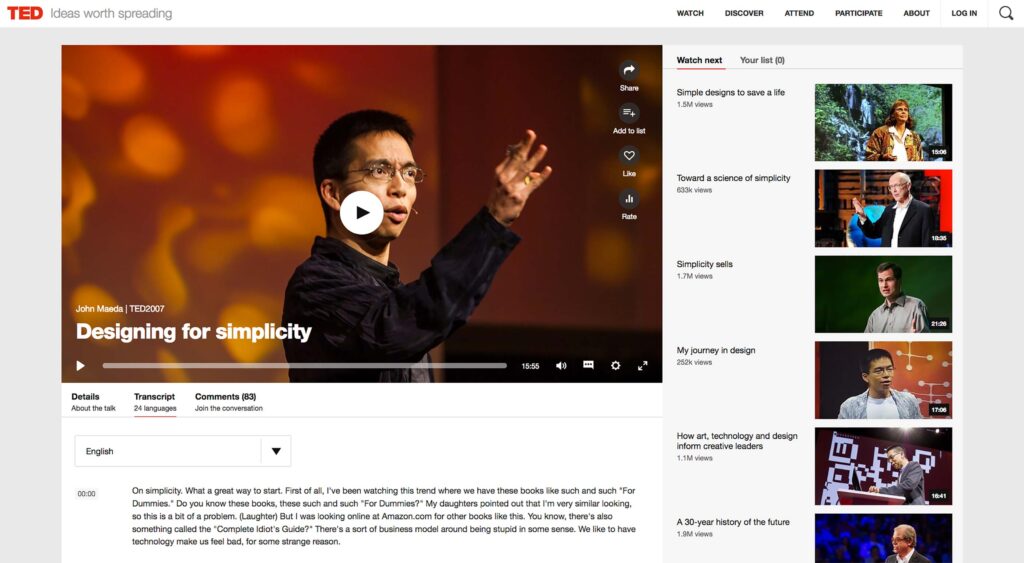
Looking to boost your search rankings?While nothing can help you reach an audience better than great content, there are simple habits that can help yo
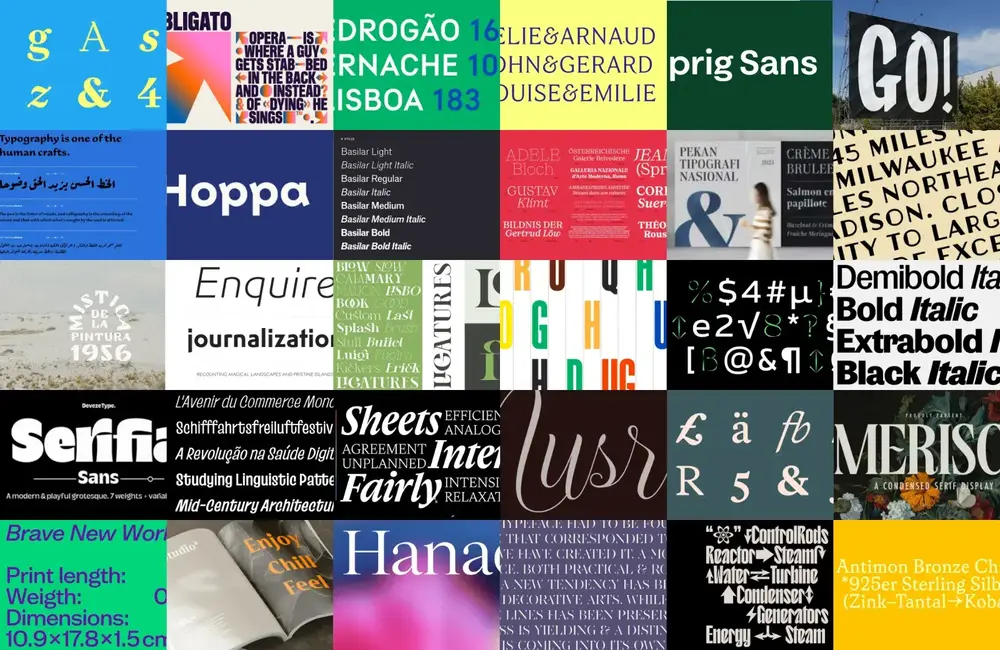
We bring you the best new typeface designs every month, and every December, we round up our favourites; this year, we’ve been spoiled for choice. 2023

HTTP/2 is a new way of making your website load much faster by eliminating many inefficiencies associated with the current version of HTTP. The greate
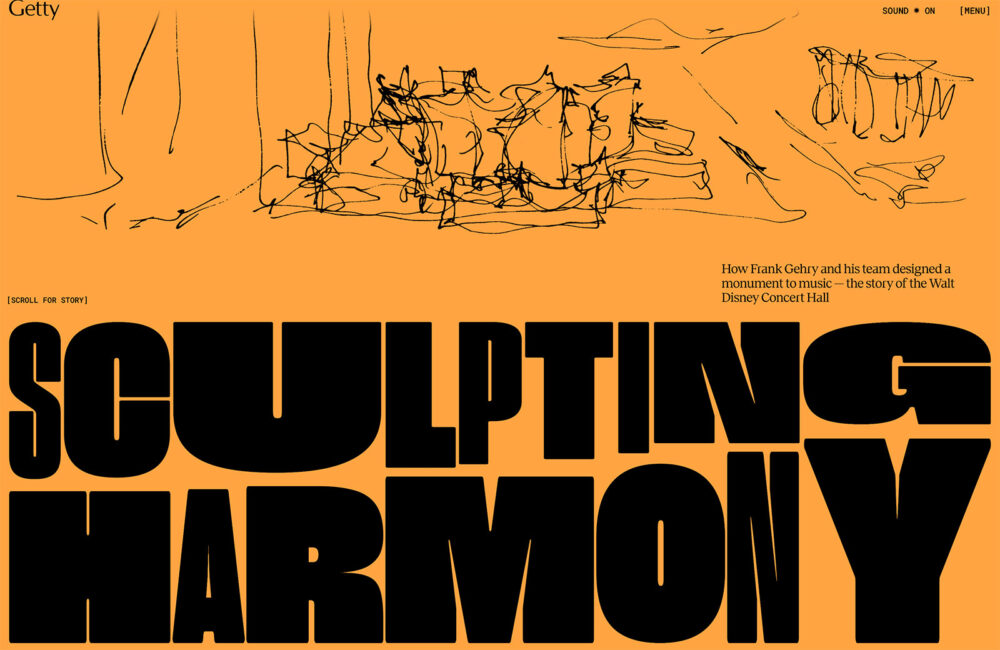
In this month’s collection we’ve got some really beautiful examples of what can be done with a few images, a couple of great fonts, a handful of color
Happy New Year! If the website design trends we are already seeing are any indication, 2025 is going to be a great year for visual communication. This
We are a dynamic information platform dedicated to delivering timely, relevant, and reliable content across a broad spectrum of topics. From the latest in technology and business to lifestyle, health, and global affairs, we aim to keep our readers informed and inspired.
Our editorial team is committed to maintaining high standards of accuracy and clarity, ensuring that every article provides value and context in an ever-changing world. We believe in the importance of accessible knowledge and strive to make complex topics understandable for everyone.
Whether you're here to stay updated on current events, explore thought-provoking features, or simply learn something new, our goal is to offer a trustworthy source of information that meets the needs of a diverse and curious audience.