Eye vs AI: Harnessing Technology to Successfully Track User Attention
Attention is the new gold; brands are in a constant competition for our attention.A big portion of our time we spend online, where we are bombarded wi

Bootstrap is naturally a pretty fast development solution, as it allows you to access everything you need to create your app in a straightforward environment. You can access premade classes, kits, and themes right out of the box and speed up your development without compromising on performance.
Still, this doesn’t mean there aren’t plenty of ways to enhance the speed of your Bootstrap strategy from time to time. So today, we’re going to look at some of the things you can do to speed up the development of your Bootstrap app.
Let’s start with the basics: One of the things that makes Bootstrap so effective as a development tool is the ability to access specific tools and services to make building more efficient. The more you leverage these features, the better you’ll be at designing amazing apps quickly.
For instance, a Task Runner is a fantastic addition to a Bootstrap development strategy. With these tools, you can automate tasks like compiling code or moving code from Typescript to JavaScript. In addition, many developers use these tools when they configure a job that runs every time a specific file is modified, so they don’t have to manually recompile all the time.
The most popular Task Runners available right now are Grunt JS and Gulp JS. Gulp is based on Node.jS, while Grunt works in line with its templating environment.
Other helpful tools you can check out to accelerate your development process include Sass or Syntactically Awesome Style Sheets – a pre-processor scripting language compiled into CSS so that you can create better stylesheets with minimal effort. In addition, the Sass technology reduces the need for repetition by extending CSS through various methods like inline imports, variable, and nested maps. This means you can implement changes a lot quicker and take more risks in your designs.
Tools like BrowserSync JS will synchronize your browser testing process by performing as a middle man between your browser and server. Using this tool, you shouldn’t have to hit the refresh button on the browser over and over when editing your code to see updates.
Bootstrap’s front-end framework relies heavily on the grid system within the technology, packed with features to help developers structure a responsive layout. Because of this grid system, it’s easier to scaffold responsive designs before you do any coding. This way, you get ahead of the coding process and better insight into where content should go.
Bootstrap’s grid system is pretty flexible so that you can define a set of rows divided according to each of the sections in your site or app. The best part is that each column can adjust to suit the template perfectly.
You can speed up your development process even more by simply accessing existing themes and UI kits from the Bootstrap ecosystem.
Bootstrap kits are UI kits consisting of a collection of flexible, attractive, and easy-to-use Bootstrap-based components and assets. You can easily plug your solution into your website and customize it based on your required design output. UI components might include things like input forms, widgets, navigation menus, and testimonials. A few options include:
Like Bootstrap UI kits, Bootstrap themes are a ready-to-use bundle of JavaScript, HTML, and CSS code complete with UI components, style components, and page layouts. Usually, these themes are designed for a specific kind of app or website. However, everything is generally created for you, for the most part, so that you can modify elements with your requirements later.
While Bootstrap UI kits give you multiple pieces of coding and technology you can use in your development and how you like, Bootstrap themes are intended to be plug-and-play solutions. You modify a few components and resources, and you’re ready to publish.
Bootstrap has its own selection of themes available, though most are available for a premium cost, so it’s worth checking out what you get in advance. One good option is the Admin and Dashboard template designed for creating applications for tracking things like analytics and website information.
The theme here comes with access to all of your crucial bootstrap components, as well as Brite charts, Apex charts, multiple widgets, and icons. A few alternatives to try include:
Most developers prefer to code their application or website entirely from scratch with Bootstrap – mainly since it’s easy to do. However, there’s also a faster alternative route you can consider too. For instance, using a Bootstrap builder or studio will turn the design process from a hard-code configuration into a more visual and straightforward process.
Page builders come in many shapes and sizes, designed for both the web and desktop. Popular options like the Bootstrap studio come with drag-and-drop functionality for grid-based content, component creation, and access to quick-add components.
Another bonus of using a builder is you can usually expect to have the latest version of Bootstrap available, so you don’t have to update constantly. For example, some of the newest page builders offering access to Bootstrap 5 include:
Bootstrap, like many development and design tools today, is constantly evolving. As new versions and components continue to emerge, it’s essential to be confident with the options you have for your website, application, or whatever else you might be making.
It is exhausting to continuously check out the latest tutorials and posts on the official Bootstrap website; it is much easier to get things done when you know how everything works. The good news is that many of the courses and guidelines available on the web today are free to use. For example, you can get a crash course for beginners on Bootstrap 5 or find a collection of some of the most popular crash courses here.
It’s also worth keeping an eye on the latest news released by the Bootstrap team, so you can get an idea of any new features or functionality you might need to learn as you’re working on your builds. If you’re using the tools we mentioned above, like Sass, make sure you check out the latest updates for those, too – many of the tools available for Bootstrap will get updates too.
If you’re feeling really in the dark about your new Bootstrap features, you can check out sites like Udemy, which offer step-by-step guides for beginners. Though the entire course does have a fee attached to it, you’ll learn how to build various projects within Bootstrap, which could make you more efficient at development later.
As you’re learning how to master Bootstrap development, try not to pile too much on your plate at once. If you decide to work with the precompiled download package for Bootstrap, it’s worth accessing only the specific aspects of the library you need at any given time.
Start by using simple tools like bootstrap-reboot.min.css for a simple CSS reset for your project, or access the easy-to-use grid system at bootstrap-grid.min.css. You don’t necessarily need to access and learn all the frameworks at once.
Finally, all aspects of Bootstrap development get a lot easier when you start thinking about becoming a better coder. Apart from the above points, optimizing a website in any landscape still means incorporating the right front-end performance techniques you would access for any website.
Although focusing on getting the UX right with your bootstrap build might add more time to your development process initially, it also means you’re less likely to have to come back to your website and make changes in the future. This should mean that you can spend less time developing your project overall and more time optimizing the experience.
For instance, you should still:
While it’s great to get a development project done quickly, don’t mistake rushing through and forgetting essential elements that influence the impact of your project. You still want your project to work perfectly – even if you’re developing it quickly.
Bootstrap is a fantastic, fast-paced solution for developing all kinds of incredible websites, applications, and projects. However, learning how to use all the features and components of your Bootstrap environment correctly can ensure you’re more likely to speed up the development process. The tips above will allow you to discover all the benefits of the Bootstrap front-end framework.
Remember, try to find the right balance between speeding up your development process, and maintaining a high level of quality. Time saved on initial development won’t do much good if you have to come back and make additional fixes later. So focus on getting things right the first time, but use tools and templates to help you whenever you can. The more you work on Bootstrap, the better your projects will become.
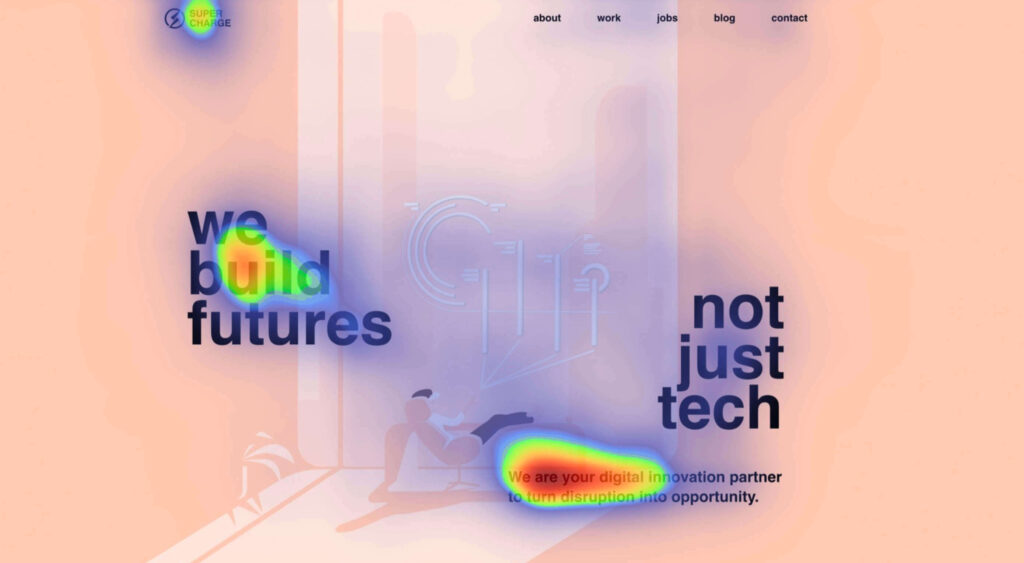
Attention is the new gold; brands are in a constant competition for our attention.A big portion of our time we spend online, where we are bombarded wi

Moving from studying design into the big wide world of web design is a daunting process. It’s a competitive and dynamic industry that’s growing all th

Let’s get this out of the way: most websites in one to five years won’t need you. Or me. Or anyone with Figma open and a mood board full of fancy font
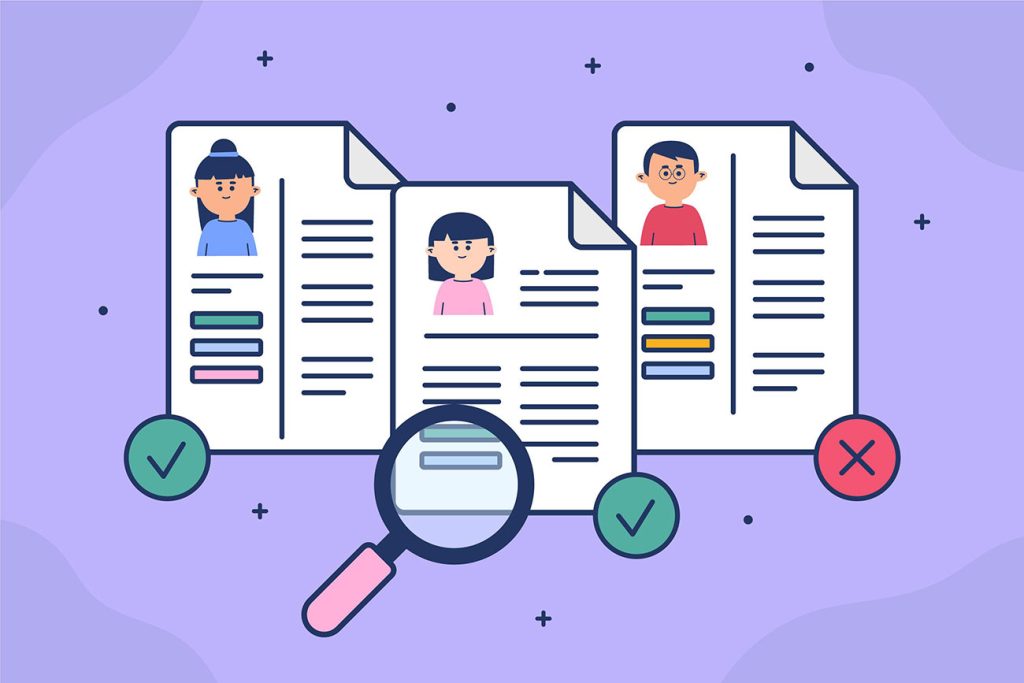
Let’s talk about something painful, yet incredibly important: Your portfolio. Yeah, that carefully curated collection of your best work. The one you’v
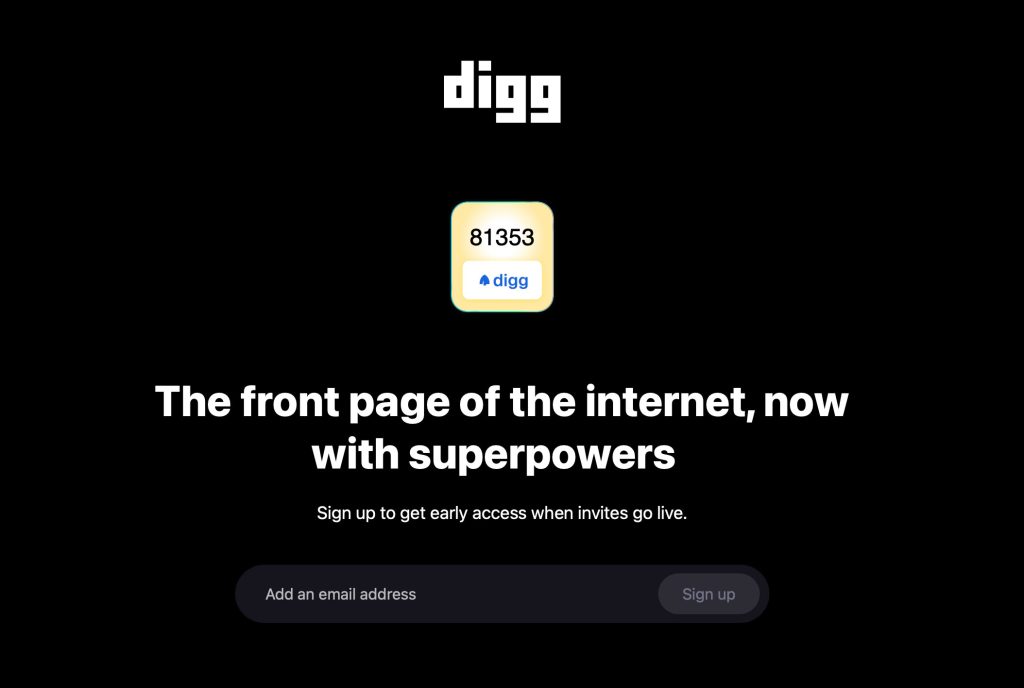
Digg, the iconic social and link-sharing platform that once held the title of “the homepage of the internet,” is making a triumphant return — and this

This is the 4th part of The Ultimate UX Design Guide to SaaS Customer On-Boarding.SaaS Customer On-boarding is the process that users have to experien
We are a dynamic information platform dedicated to delivering timely, relevant, and reliable content across a broad spectrum of topics. From the latest in technology and business to lifestyle, health, and global affairs, we aim to keep our readers informed and inspired.
Our editorial team is committed to maintaining high standards of accuracy and clarity, ensuring that every article provides value and context in an ever-changing world. We believe in the importance of accessible knowledge and strive to make complex topics understandable for everyone.
Whether you're here to stay updated on current events, explore thought-provoking features, or simply learn something new, our goal is to offer a trustworthy source of information that meets the needs of a diverse and curious audience.